Getting Started
System Requirements
Section titled “System Requirements”| Requirement | Supported Version | Notes |
|---|---|---|
| Strapi | ^5.0.0 (tested on 5.39.0) |
Uses Strapi v5 Document Service (strapi.documents) & Design System v2 |
| Node.js | >=20.16.0 (Node 24 LTS recommended) |
Native ESM and Web Crypto (crypto.subtle / Ed25519) support |
| pnpm | >=10.0.0 (pnpm@10.33.3 locked) |
Peer isolation via hoistPattern: ["*", "!@strapi/*"] |
| React | ^18.0.0 || ^19.0.0 |
Peer dependency of Strapi v5 Admin panel |
1. Install Plugins
Section titled “1. Install Plugins”Each plugin is published independently under the @vicacha-devs scope on npm. You can install individual plugins or combine them to unlock automatic inter-plugin bridges:
# Core Scheduling Trio (Calendar + Events + Bookings)pnpm add @vicacha-devs/strapi-plugin-calendar \  @vicacha-devs/strapi-plugin-events \  @vicacha-devs/strapi-plugin-bookings
# Trust, Donations & Cryptographic Credentialspnpm add @vicacha-devs/strapi-plugin-certificates \  @vicacha-devs/strapi-plugin-donations
# Community, Liturgical, Media & Engagementpnpm add @vicacha-devs/strapi-plugin-islam \  @vicacha-devs/strapi-plugin-inbox \  @vicacha-devs/strapi-plugin-broadcasts \  @vicacha-devs/strapi-plugin-media-feeds \  @vicacha-devs/strapi-plugin-resources
# Editorial Productivity & Search/SEOpnpm add @vicacha-devs/strapi-plugin-notes \  @vicacha-devs/strapi-plugin-global-search \  @vicacha-devs/strapi-plugin-tiptap-editor \  @vicacha-devs/strapi-plugin-seo \  @vicacha-devs/strapi-plugin-sitemap
Peer Dependency Note:
@vicacha-devs/strapi-plugin-eventsand@vicacha-devs/strapi-plugin-bookingsdeclare@vicacha-devs/strapi-plugin-calendaras a required peer dependency so their schedules render inside the unified calendar workspace and share the CLDR secondary calendar formatting engine.
2. Configure config/plugins.ts
Section titled “2. Configure config/plugins.ts”Enable and configure your installed plugins in your Strapi v5 host application’s config/plugins.ts:
export default ({ env,}: { env: (key: string, defaultValue?: string) => string;}) => ({ "calendar": { enabled: true, config: { defaultView: "dayGridMonth", defaultTimezone: env("CALENDAR_DEFAULT_TIMEZONE", "UTC"), defaultLocale: "auto", firstDay: 1, weekNumbers: true, secondaryCalendars: [ { id: "hijri", label: "Hijri (Umm al-Qura)", intlCalendar: "islamic-umalqura", dayOffset: 0, enabled: true, }, ], }, }, "events": { enabled: true, config: { defaultTimezone: env("CALENDAR_DEFAULT_TIMEZONE", "UTC"), defaultCapacity: 100, waitlistEnabledByDefault: true, }, }, "bookings": { enabled: true, config: { defaultTimezone: env("CALENDAR_DEFAULT_TIMEZONE", "UTC"), defaultSlotDurationMinutes: 60, defaultCapacityPerSlot: 20, }, }, "certificates": { enabled: true, config: { organizationName: env("CERTIFICATES_ORG_NAME", "Central Organization"), verificationBaseUrl: env( "CERTIFICATES_VERIFY_URL", "https://example.org/verify" ), }, }, "donations": { enabled: true, config: { baseCurrency: "COP", autoIssueCertificateOnVerify: true, enableCertificatesBridge: true, }, }, "inbox": { enabled: true }, "broadcasts": { enabled: true }, "islam": { enabled: true }, "media-feeds": { enabled: true }, "resources": { enabled: true }, "notes": { enabled: true }, "global-search": { enabled: true }, "tiptap-editor": { enabled: true }, "seo": { enabled: true }, "sitemap": { enabled: true },});3. Rebuild the Strapi Admin Panel
Section titled “3. Rebuild the Strapi Admin Panel”After adding or updating plugins in config/plugins.ts, rebuild the Strapi v5 admin bundle and start your server:
pnpm strapi buildpnpm strapi develop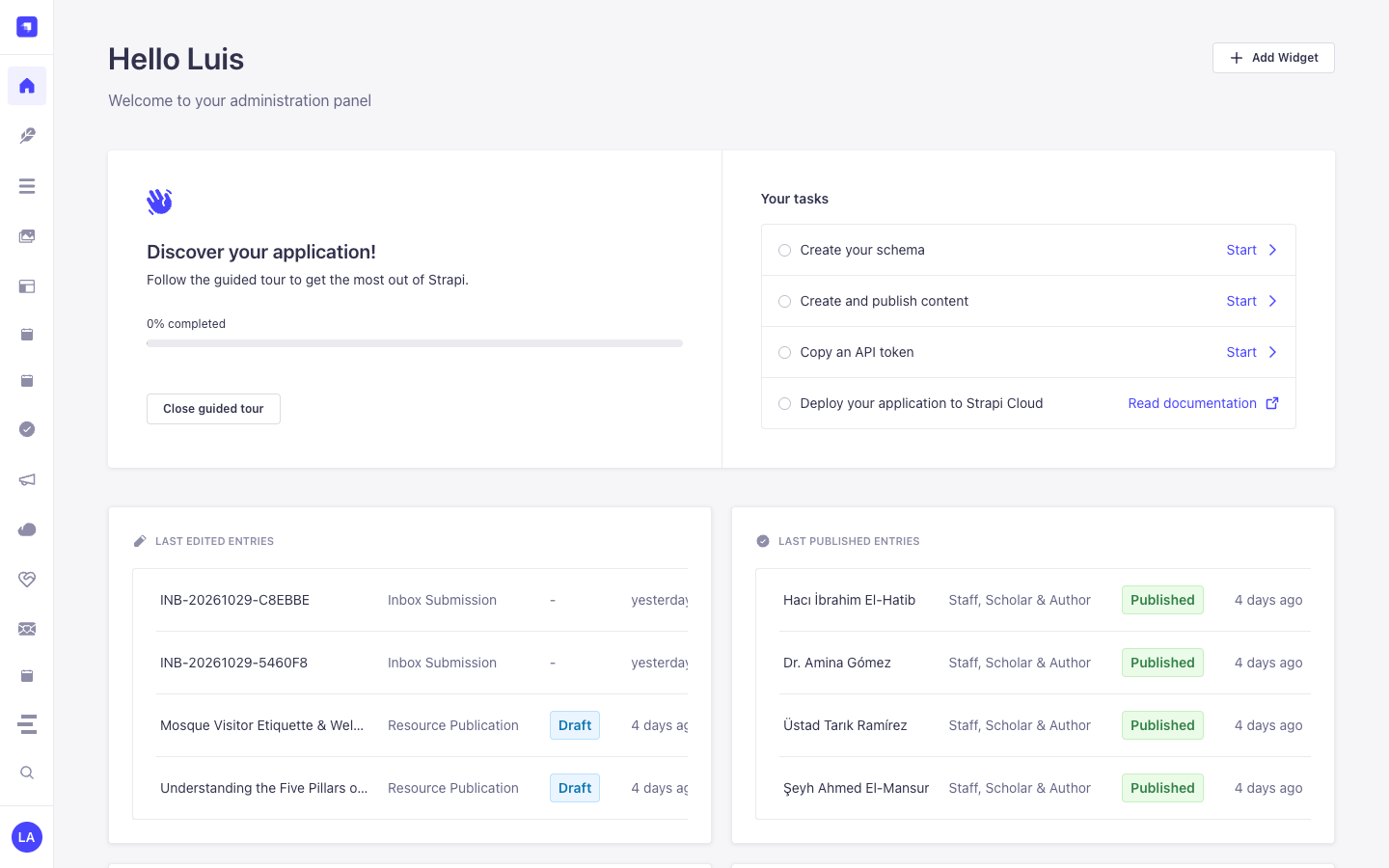
4. Working with the Monorepo Locally
Section titled “4. Working with the Monorepo Locally”If you are developing inside the strapi-v5-extensions monorepo:
# 1. Install all dependencies across apps/* and packages/*pnpm install
# 2. Build all 17 plugins (ESM + CJS + TypeScript declarations)pnpm build
# 3. Run the full verification pipeline (oxfmt, oxlint, eslint, tsc, sdk-plugin, publint, tests)pnpm verify
# 4. Launch the documentation site locally on http://127.0.0.1:4321pnpm --filter @vicacha-devs/docs dev